Getting Started for Developers
Starting point for integrating PushFire with your app or backend. Integrations are inbound—they register subscribers, devices, and tags in PushFire. Outbound email uses Connectors separately.
Before you integrate
- Create a project in the console with Firebase credentials (required for push).
- Copy the token from Developers → API Token.
- If you will send email via API, configure the Resend connector under Connectors.
Choose your stack
- Flutter + PushFire — iOS, Android, or Web apps with the official SDK
- Node.js + Pushfire — server-side calls and audience management from your backend
- REST API — any language; Bearer authentication with the project API Token
This section includes Flutter and Node.js guides. Full endpoint documentation lives in API Reference.
In the console
The Developers section (Owner and Editor only) covers authentication, API-sent messages, and technical docs.
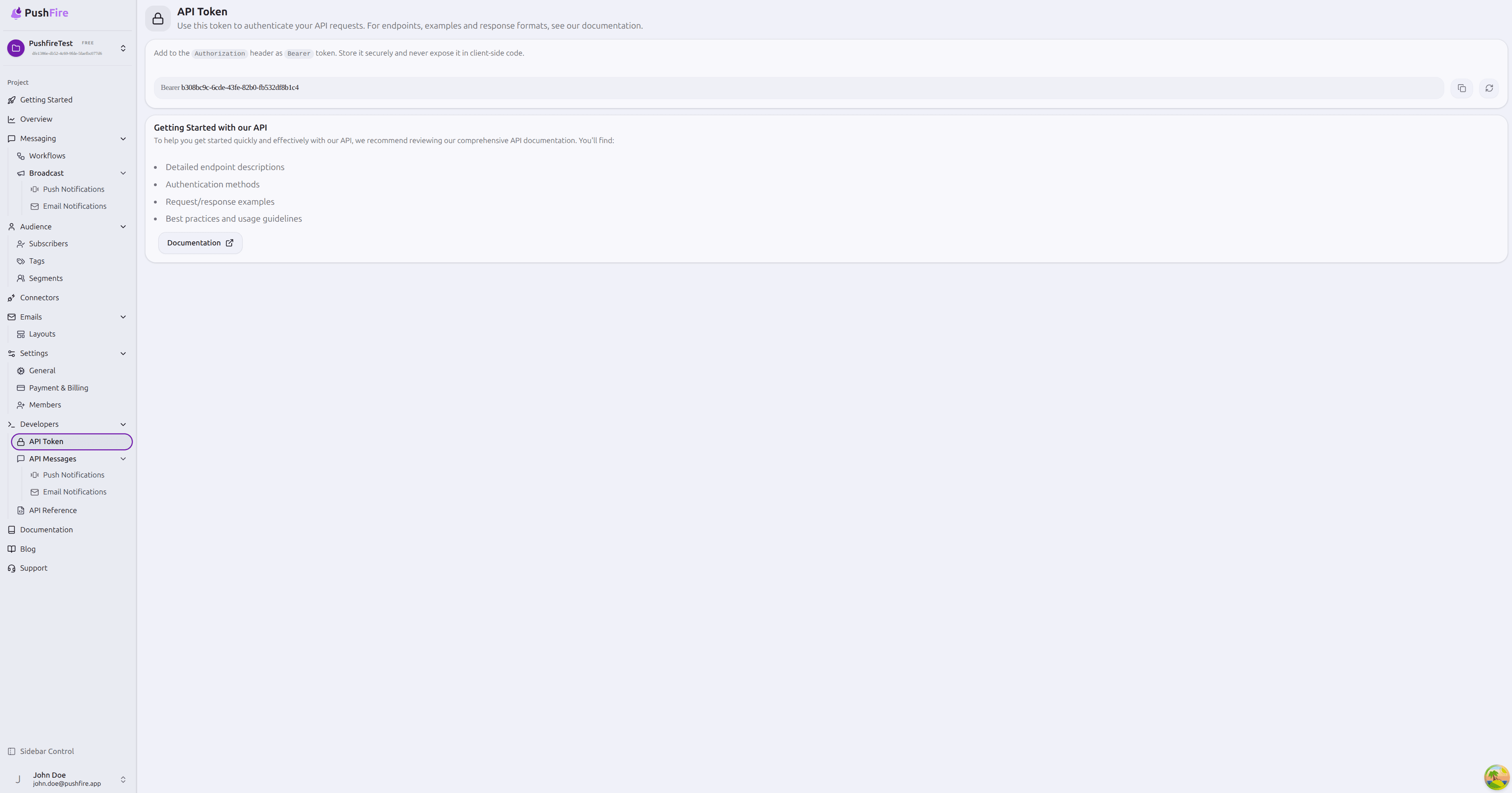
API Token
Open Developers → API Token to get the project Bearer token. Send it in the Authorization header on REST calls. Store it on your server—never expose it in client-side code. You can copy or regenerate it if compromised.
API Messages
Track messages sent programmatically from your backend:
- Push Notifications — delivery history and status for API-sent push
- Email Notifications — requires an active email connector (see the Connectors guide)
API Reference
Endpoint descriptions, authentication, and request/response examples. Open it from the Developers sidebar or the link on the API Token page.
Integration flow
- Authenticate — Bearer token from Developers → API Token.
- Register users — create or update subscribers with externalId, profile fields, and metadata.
- Register devices — attach FCM tokens and platform info to enable push.
- Assign tags — labels for segments, broadcasts, and workflows.
- Verify — check results under Audience → Subscribers.
What integration does not do
- Firebase credentials enable push delivery—they do not import subscribers on their own.
- Segments are computed in PushFire from tag rules—they are not uploaded as a separate entity.
- Do not follow legacy Firebase + FlutterFlow sync guides; use the current Integrations guides instead.
Next steps
- Flutter + PushFire — SDK setup, device registration, and audience from your app
- Node.js + Pushfire — server-side client and usage examples
- Audience sync — verification patterns and tag naming best practices